

See what the light will do.
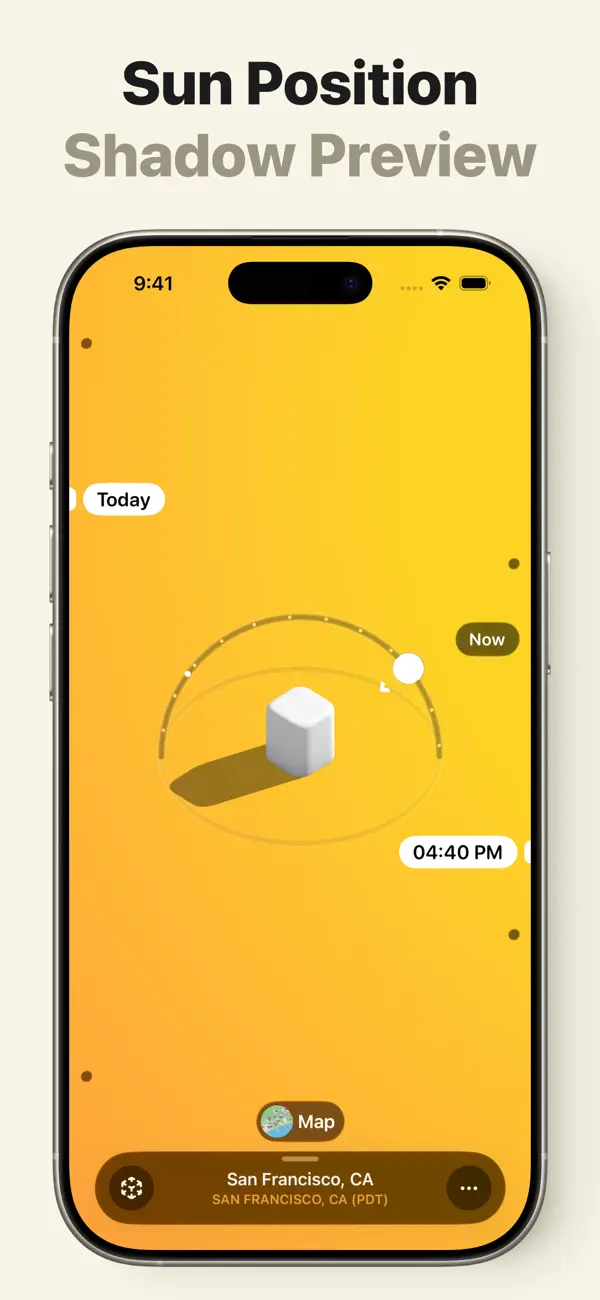
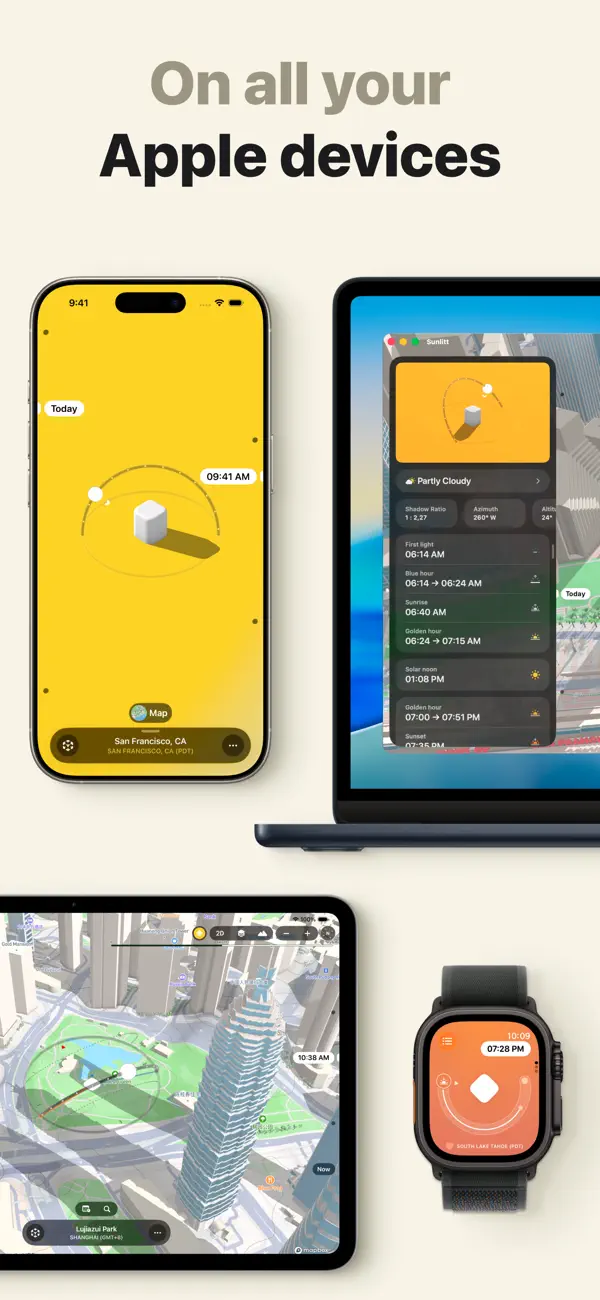
A small white object makes Sunlitt’s central question legible: where will its shadow fall as the day changes? The object gives the Sun’s position a visible consequence. Its shape stays simple enough that a change in the light is easy to notice.
Our iPhone recording begins at a selected time of 7:29 AM for Apple Park in Cupertino. The background fades from cool blue-gray into pale yellow, and a long shadow runs diagonally from the object toward the upper edge of the screen. A curved Sun path surrounds the form. The scene has few elements, but each contributes to understanding the relationship between time, light, and direction.
Moving the selected time to 12:09 PM changes several things together. The background becomes bright yellow, the white form catches more light, and its shadow rotates and shortens until it sits to the right. The time label provides the exact value; the object and shadow make the difference visible. Someone can read the number and immediately see what it means within the scene.
The location remains anchored in a compact pill at the bottom, labeled Apple Park and Cupertino’s time zone. That detail matters because the appealing little scene represents a particular place and moment. Keeping the location and time visible gives the illustration a practical frame. The surrounding space also leaves the shadow room to change without competing with a dense panel of measurements.
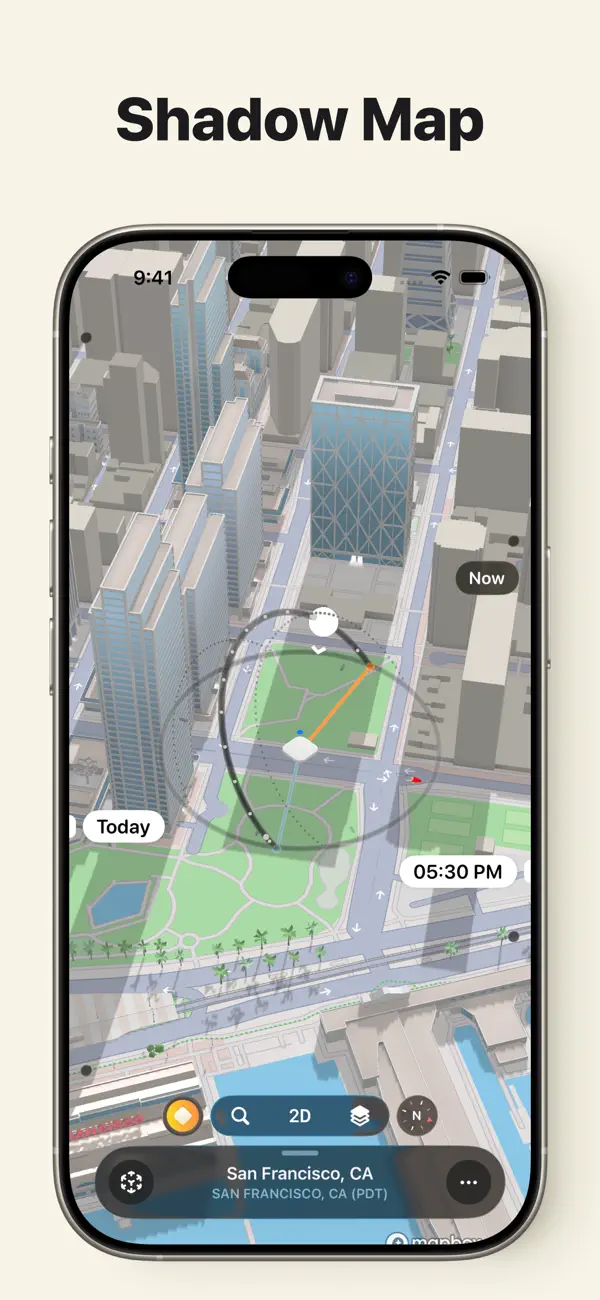
Our second recording carries the same selected time into a populated map of Apple Park’s courtyard. Trees, paths, a blue pool, and the curved edge of the surrounding building give the Sun-path overlay a recognizable setting. The circular guide and its marker remain prominent over the map, while the location pill and 12:09 PM label preserve the context established in the simpler view.
Tapping the 3D control tilts the map from overhead into an oblique perspective. The courtyard becomes shallower on screen, and the building and trees acquire a clearer sense of depth. The location, selected time, and Sun path remain visible throughout. The control changes to 2D, making the route back to the overhead view explicit.
These two presentations answer related visual questions. The white object makes the effect of changing time easy to isolate. The map supplies the surroundings that give a selected position local meaning. Both retain the same compact references to place and time, so the richer view continues a question the simpler scene has already introduced.
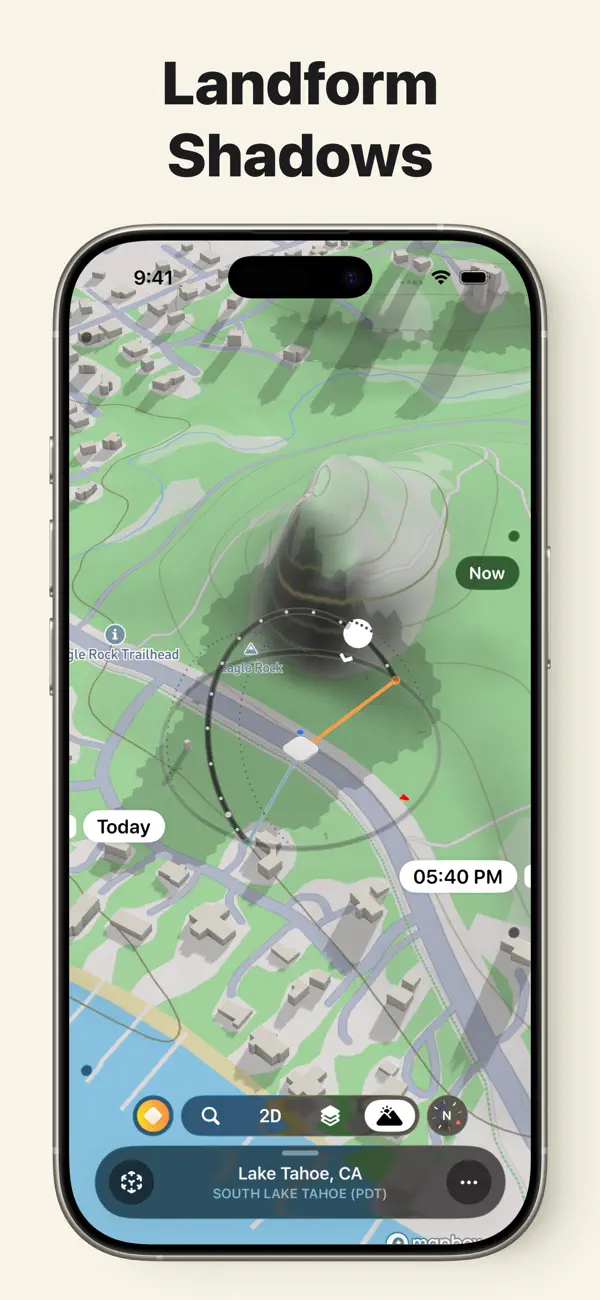
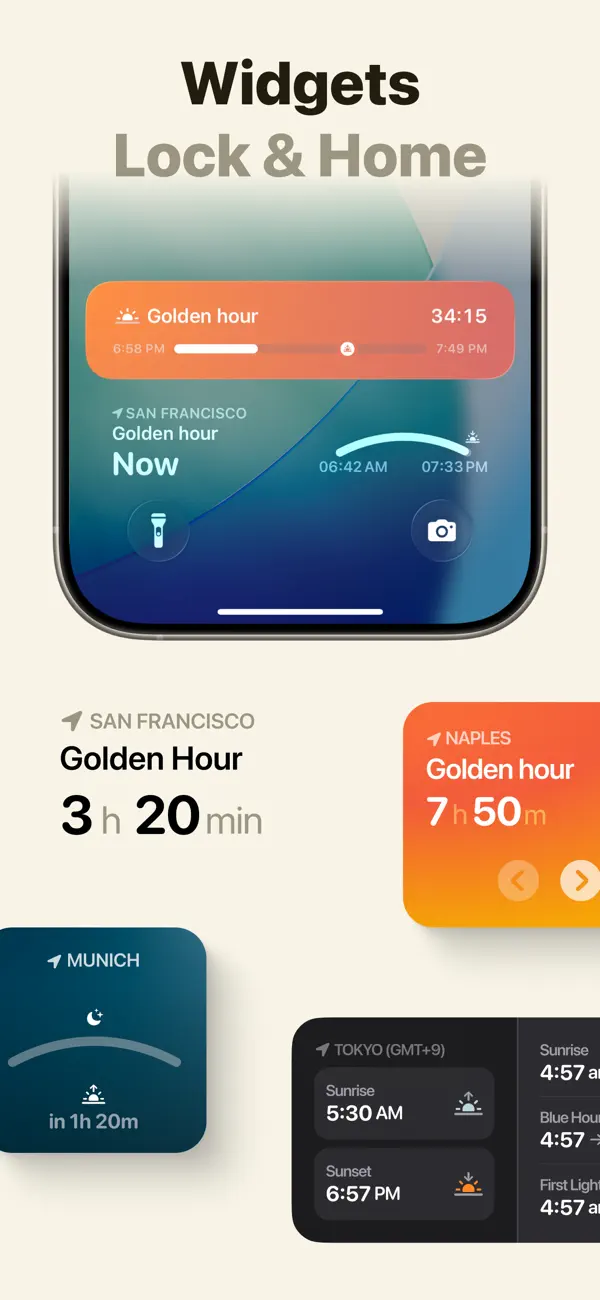
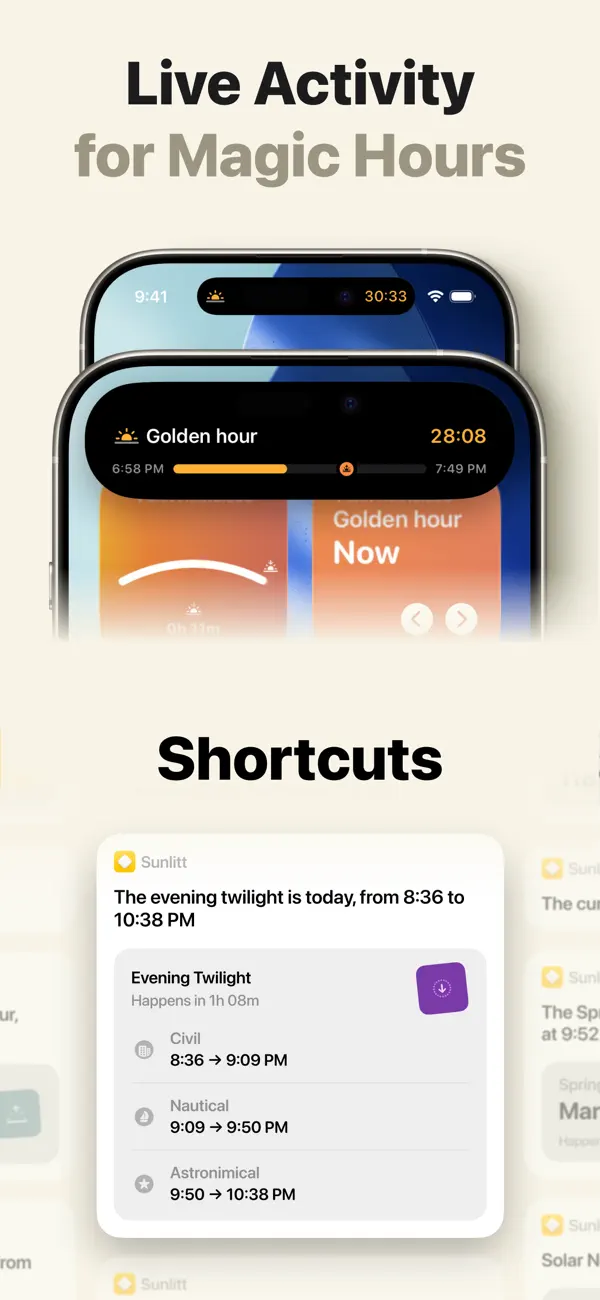
The official product site describes Sunlitt’s wider collection of solar-planning tools, including maps and solar-event information. The App Store listing distinguishes free essential tracking from PRO features such as changing the date and viewing terrain shadows. The recorded interactions show a change of time within the selected day and a change of map perspective.
Sunlitt’s memorable yellow field has a useful job. It keeps the relationship between an object, its light, and its shadow easy to inspect. Carrying that relationship into a map gives the visual explanation somewhere to go: from seeing a physical effect clearly to considering it in the context of a place.
Independently selected. No paid placement.
Explore Sunlitt