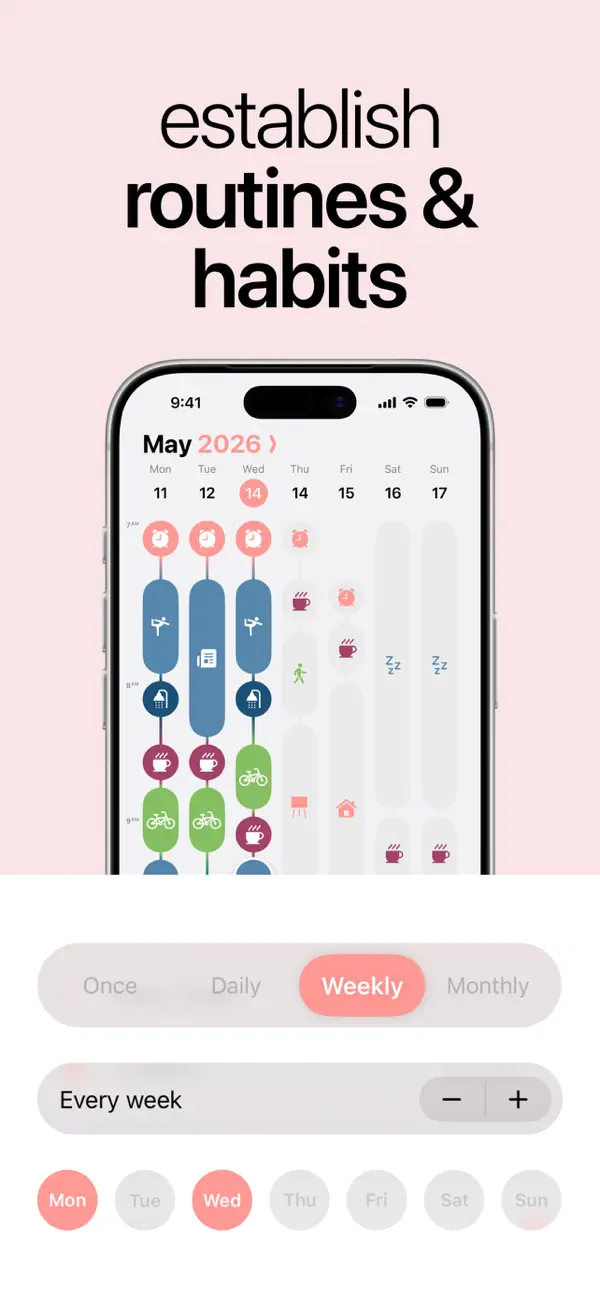
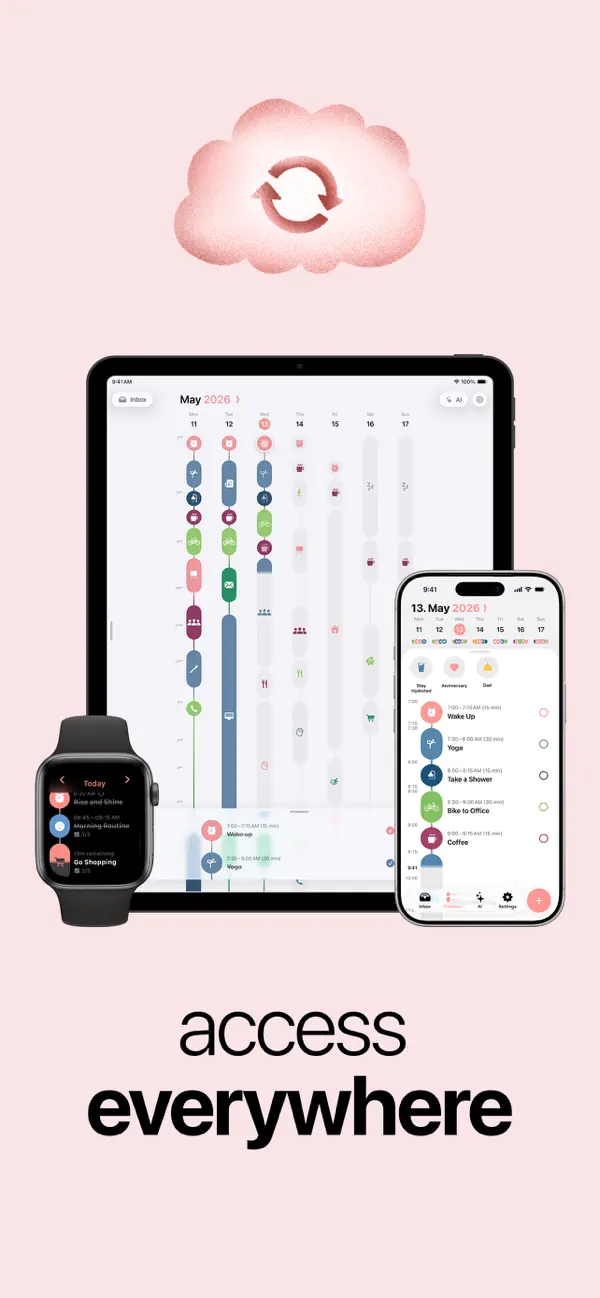
Give your day a visible shape.
Structured places an activity beside the time it will occupy. In our iPhone recording, four original demo tasks form a continuous run: a focus session, lunch, a walk, and a chapter of reading. The first ends when the second begins, and that relationship continues down the timeline. Their names describe the plan; the adjacent times show how its pieces fit together.
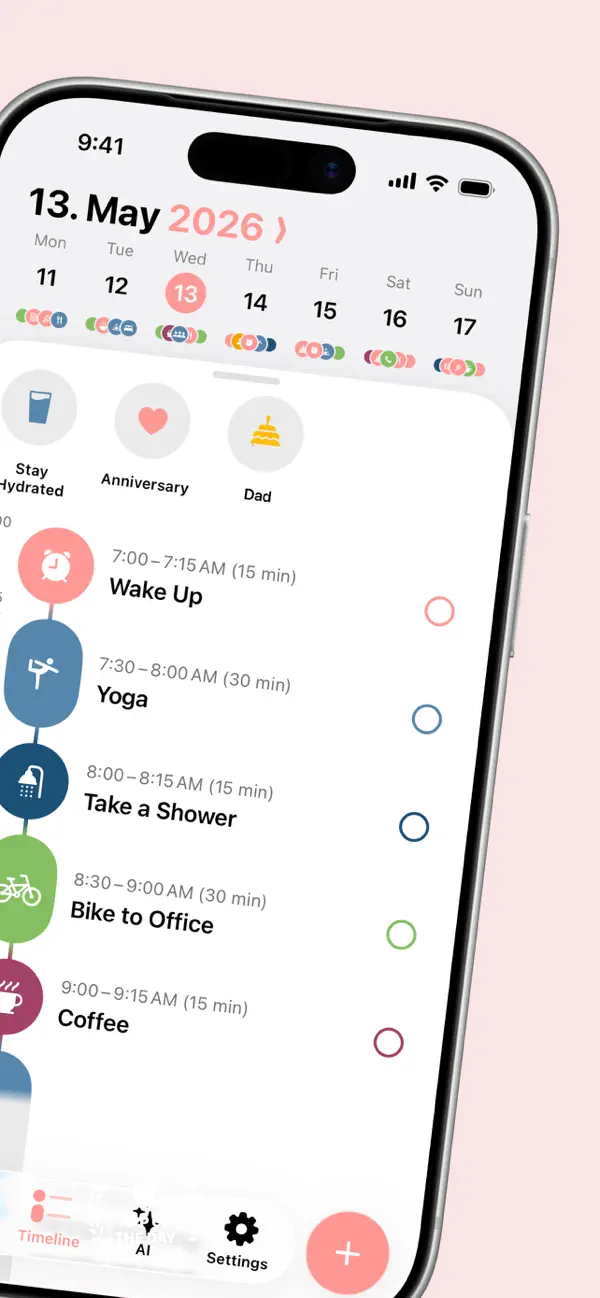
A compact date and week strip establishes the day at the top. The dark timeline beneath it gives the sequence a clear structure. A vertical time rail runs down the left through rounded icon blocks. A chart icon marks the blue focus session, cutlery identifies orange lunch, a figure marks the green walk, and a yellow book identifies reading. Matching completion circles sit opposite the titles. The repeated arrangement makes four different activities easy to scan as parts of one day.
Each task shows both a time span and a duration. The focus session occupies 11:05–11:50 AM and is labeled 45 minutes. Lunch follows for 30 minutes, then walking and reading each take 15. The duration offers a quick measure of commitment, while the start and end times connect it to the neighboring activities. Those two ways of expressing time serve different reading needs in the same small space.
The gaps receive labels too. Before the first demo task, the recorded timeline identifies a short free interval. After reading, it shows a much longer interval of nine hours and ten minutes. Unscheduled time therefore remains part of the visible plan. It has a position and a length, so a reader can consider where another activity might fit without first calculating the interval between two entries.
Opening Focus session preserves the task’s identity while making room for detail. Its icon, title, time span, and completion circle remain together in an expanded blue header. Below, the date and 45-minute interval receive their own rows, followed by our short note: “Draft the outline and review the next steps.” The timeline supplies the activity’s place in the day; the detail view supplies the intended work inside that time.
Completing Walk outside changes its state while keeping its place. The circle at the right becomes a filled green check, and the title gains a strike-through. The 12:20–12:35 PM row remains between lunch and reading. That choice lets the timeline retain an account of the planned sequence as work is finished. The completed item becomes quieter without closing the space it occupied or shifting the remaining activities out of context.
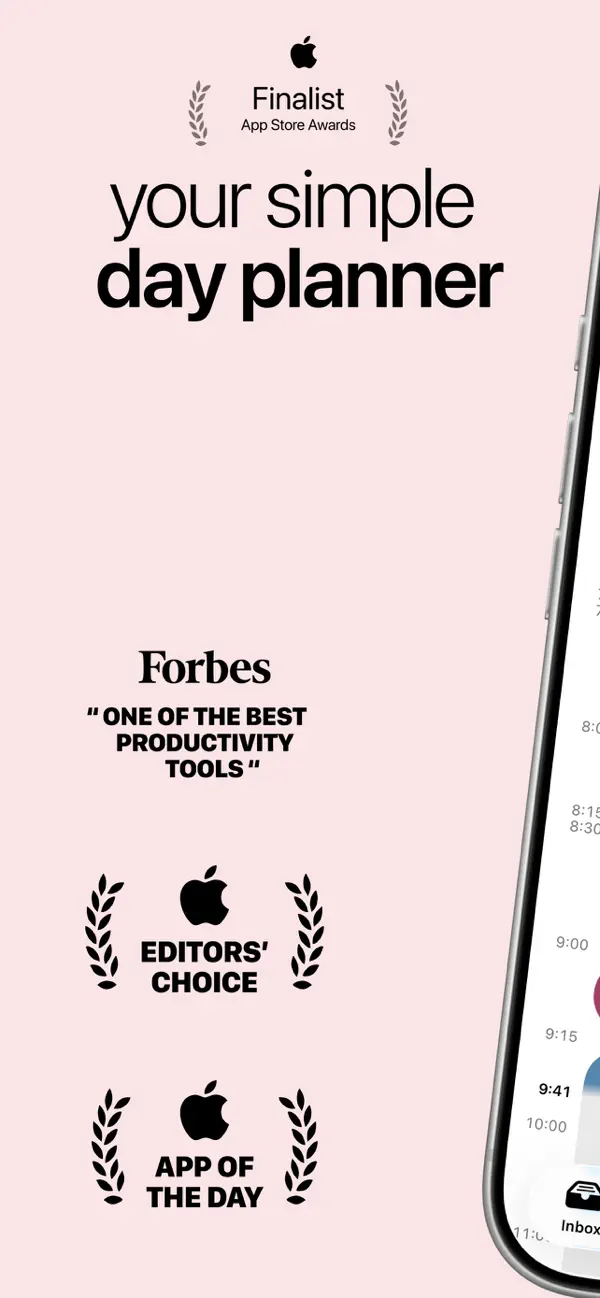
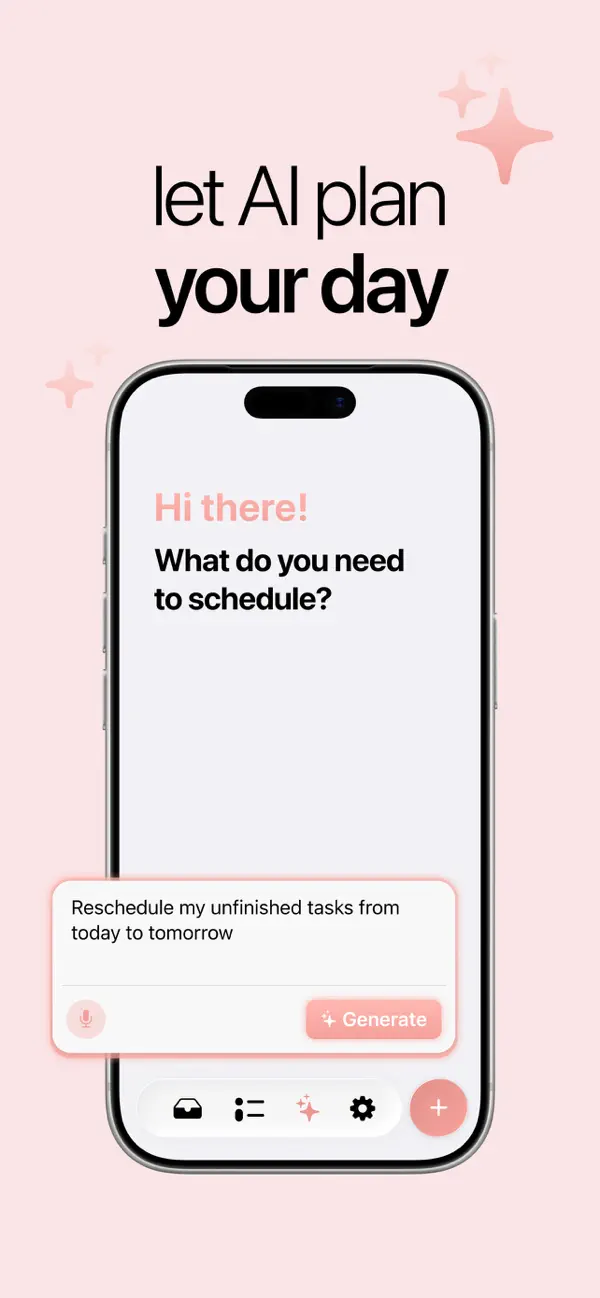
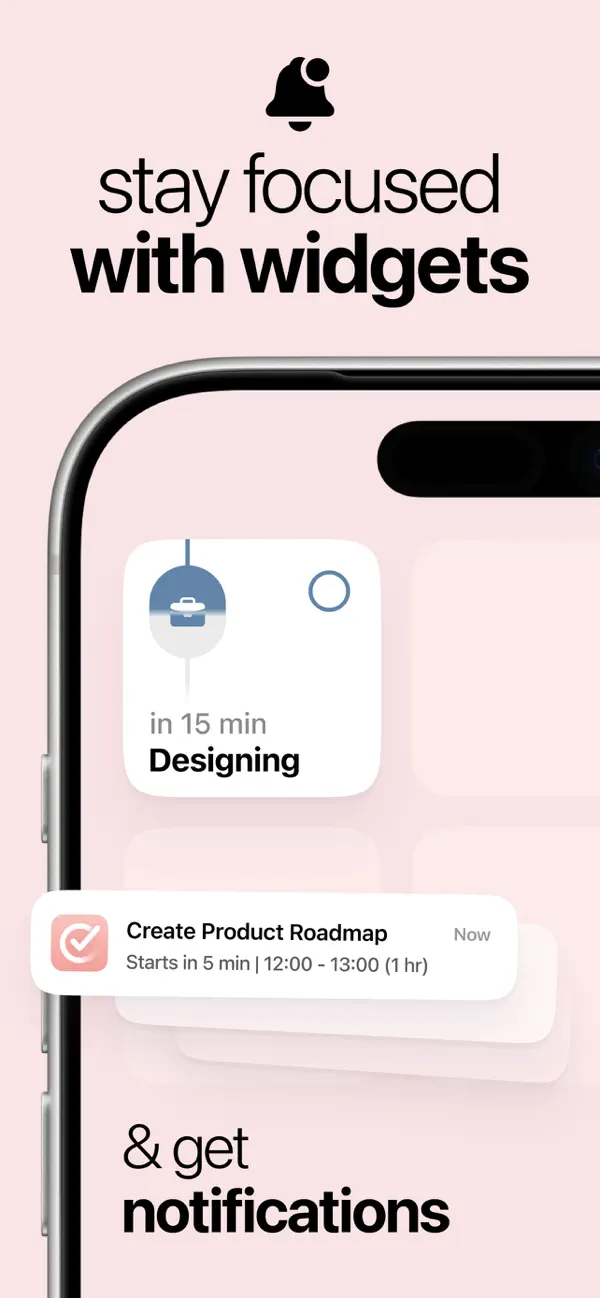
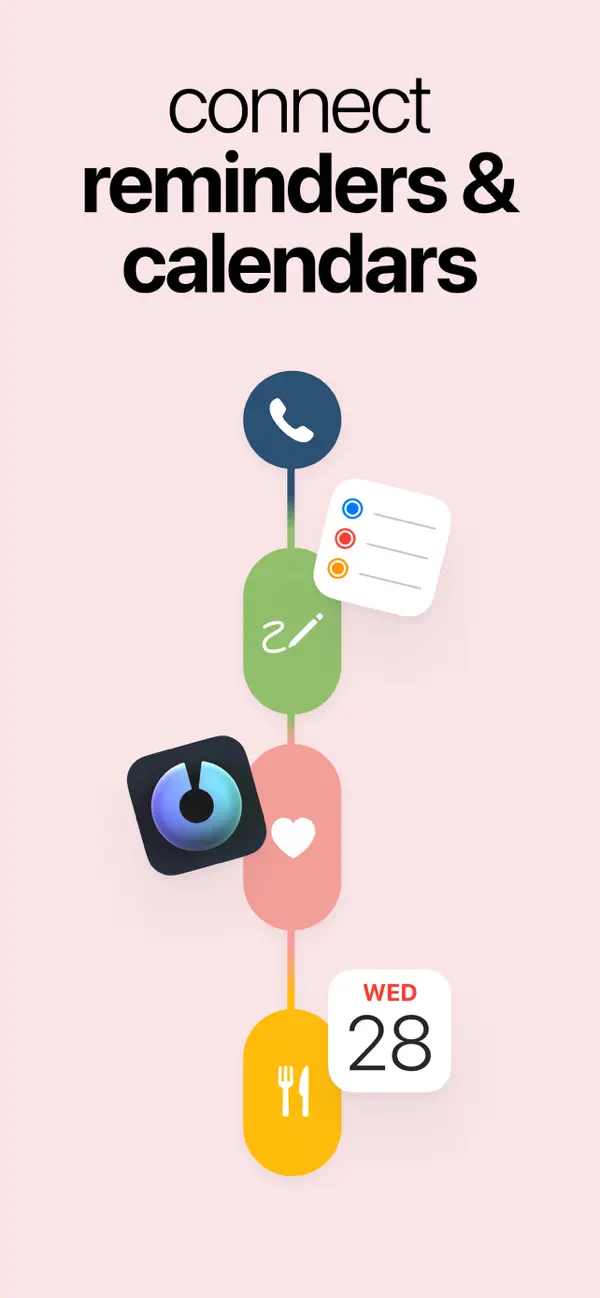
The App Store description also describes an inbox, subtasks, and focus tools around the timeline. Calendar imports, repeating activities, and AI planning are among its Pro features. The official site presents the connected visual schedule as the product’s central organizing idea.
Structured makes a useful distinction visible: an activity has a name, a duration, a position, and a state. The timeline holds those facts together, while labeled gaps give the unscheduled parts of the day a place in the same picture.
Independently selected. No paid placement.
Explore Structured