
A good place for your next good thing.
Weekend Watch begins with three posters. We populated Sofa’s demo collection with Arrival, The Grand Budapest Hotel, and Spirited Away, giving the list a small set of recognizable choices. The dark screen holds them in two columns, with each title and a Movie label directly beneath its artwork.
The posters carry different kinds of imagery, but the repeated arrangement makes them easy to browse together. Their rounded corners establish a common shape without interfering with the films’ own visual identities. A short title caption does enough work to confirm the choice. At this level, the collection is primarily something to recognize and scan.
Opening The Grand Budapest Hotel gives its poster a more physical presence. The image becomes large, sits at a slight angle, and is surrounded by a dark, faceted backdrop. Its pink hotel remains immediately recognizable from the smaller grid tile. The change in scale makes the film the subject of the screen while preserving the visual cue that led us there.
The title sits below the artwork in a stronger text treatment. A compact panel then identifies the item’s category as Movie and its list as Weekend Watch. Those two facts describe different relationships. The category comes from what the item is; the collection records where we chose to keep it. A public film record has become part of a deliberately named set of possibilities.
That visible list membership is useful in the detail view. Opening a title could easily leave its surrounding collection behind. Here, the name remains close to the poster and basic information, keeping the individual film connected to the reason for browsing the list. The artwork gets the generous space; the organizational facts fit into a few concise rows.
The current App Store description lists unlimited groups and lists, adding media, and basic item details among Sofa’s free features. Progress tracking, custom fields, smart lists, and additional customization belong to Super Sofa. The Track Your Progress entry visible in our detail recording points toward that broader system; the demonstrated flow uses the collection and basic detail views.
Sofa’s official site presents a wider home for downtime, including books, games, podcasts, and planned activities. Our second recording stays with the movie collection and the small act of keeping another recommendation.
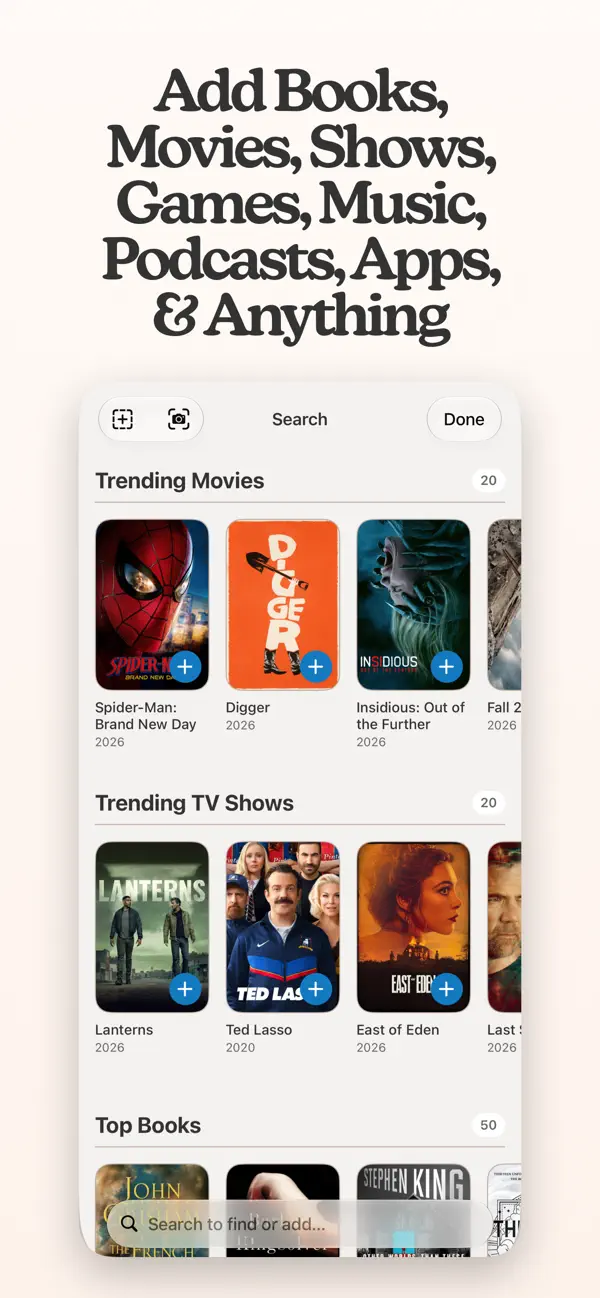
The loaded search results contain several films with Moonlight in their names. Each row pairs artwork with a title, media type, and release year, followed by a plus button. Those details distinguish the 2016 film from similarly named results before anything is added. The destination is our existing Weekend Watch list.
Tapping the plus beside Moonlight (2016) produces two forms of confirmation. A notice at the top names the film and says it was added to Weekend Watch. The result itself gains an “In Weekend Watch” label and a small badge on the artwork. The notice acknowledges the action immediately; the changed row leaves its result visible among the search results.
The search remains open, with the other film rows in place. Moonlight’s public title and year now sit alongside a small piece of information specific to our collection: where we saved it. The same list name that anchored the detail page has become part of a search result. A recommendation has acquired a place without interrupting the browsing view.
Independently selected. No paid placement.
Explore Sofa