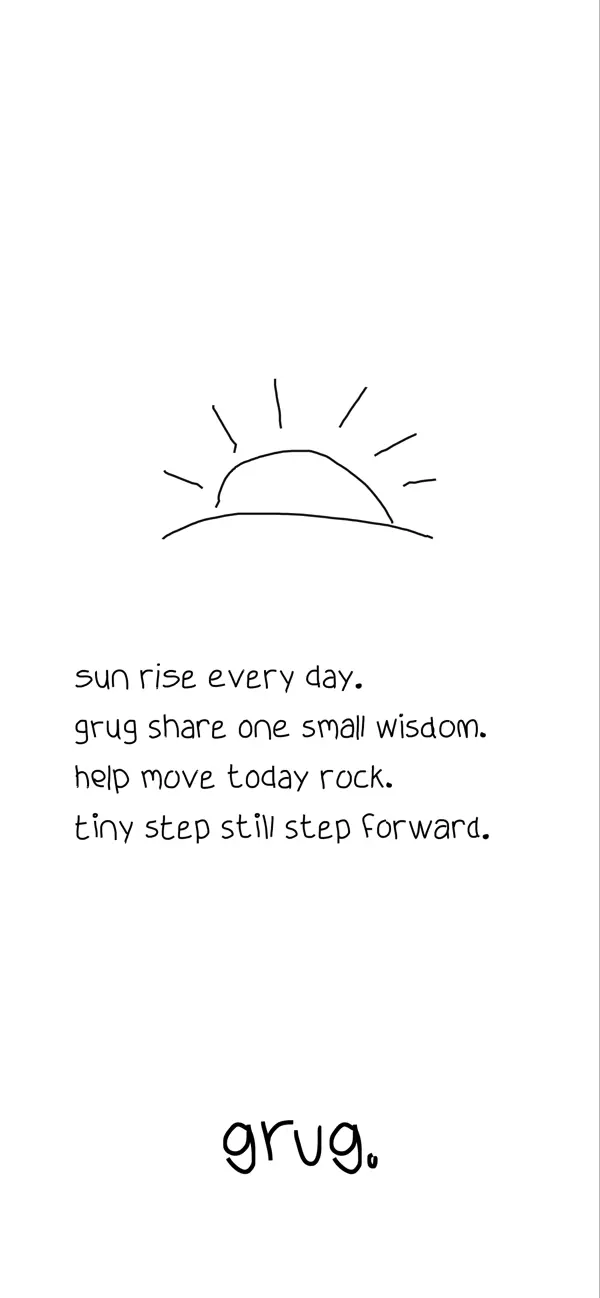
A small thought, with room for yours.
A sentence can disappear into a feed. grug gives it a page. Ocho’s daily reflection app places a short thought beneath a generous drawing area, inviting you to answer the words with a few marks of your own. Its most appealing quality is the agreement between what it says and how it behaves: there is room to start small.
A page you can contribute to
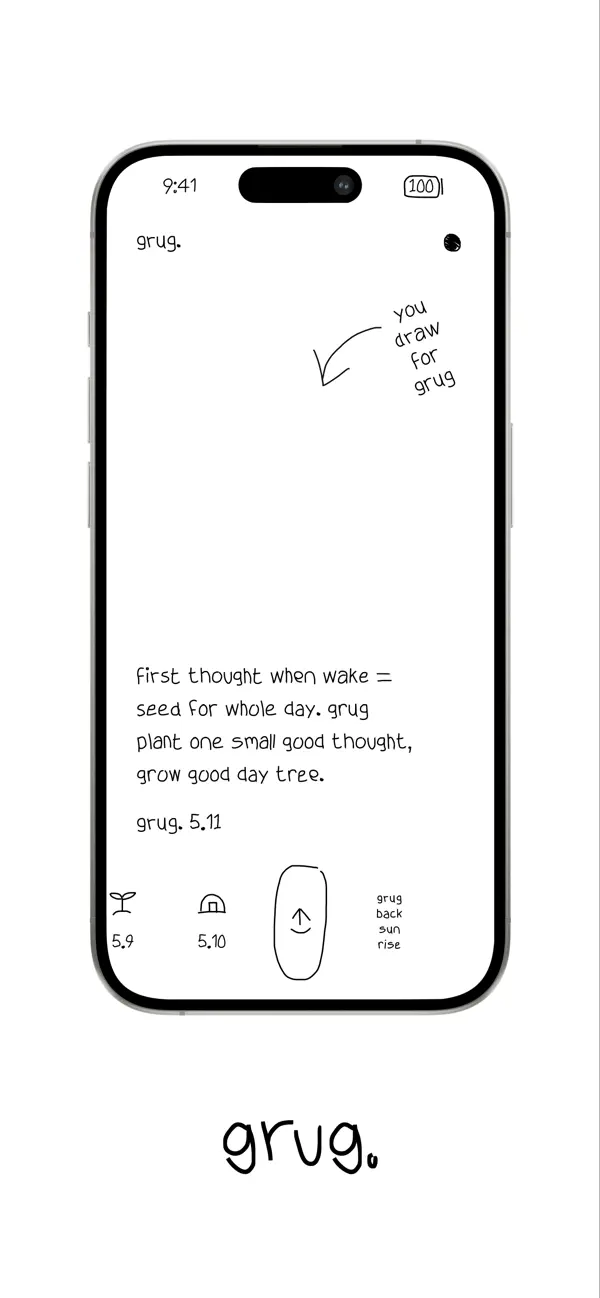
In our first recording, a mountain takes shape above the day’s reflection. A few rays finish the drawing. There is no change of workspace between reading and making; the sketch and the thought share the same surface. The text stays in the lower part of the screen, leaving the larger area above it available for a response.
That arrangement gives the empty space a practical purpose. The interface already feels complete before the drawing begins, yet adding a line makes it more personal. A rough mountain belongs here because the rest of the page has the same handmade character. The app asks for participation without setting a high visual standard for the result.
The official product site describes a daily ritual built around reflection and drawing, without a login or cloud service. The narrow scope helps explain the screen: a thought, a date, a drawing, and a few nearby controls are enough to establish the activity.
One visual vocabulary
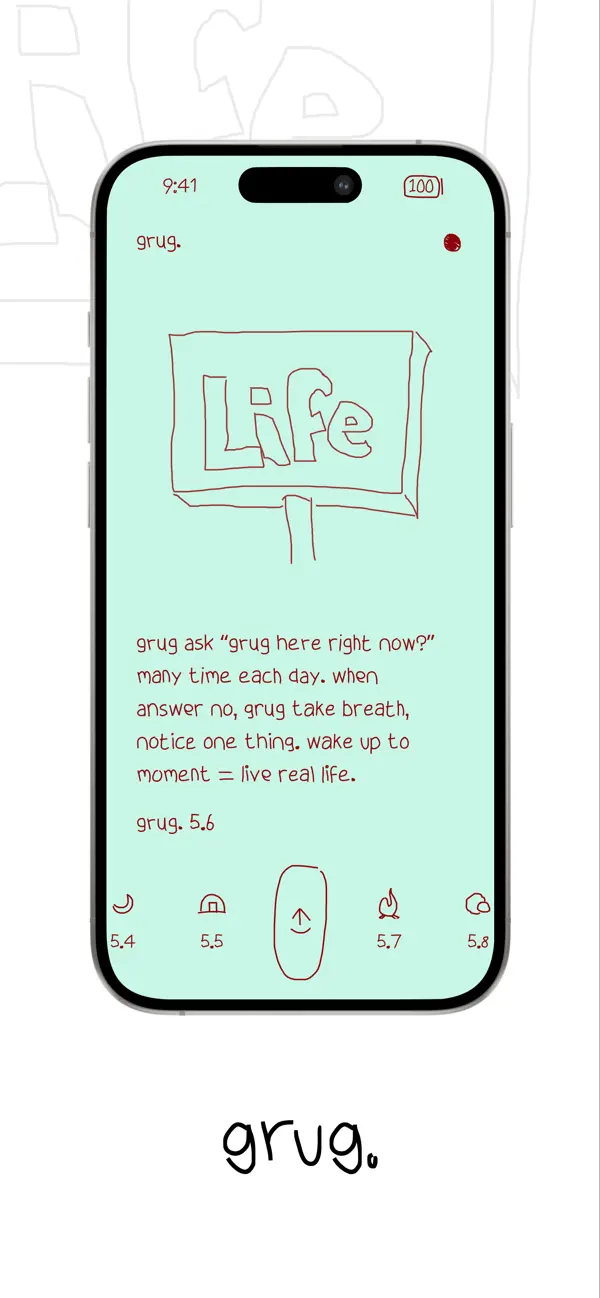
Ocho calls its original typeface Grug Hand. Its irregular strokes do more than establish a brand. They connect the written reflection to the line drawing above it, the tiny illustrated controls below it, and even the stylized clock and battery at the top of the page.
The interface uses size and space to organize those similar-looking elements. A paragraph is substantial enough to read; the dated symbols remain small enough to sit at the edge of attention. The share control has a larger outline, giving a frequently useful action its own recognizable shape. The result is a coherent composition with very little conventional interface furniture.
That consistency also creates a tradeoff. Small handwritten symbols take some interpretation, and the type’s personality becomes more pronounced in a longer reflection. Grug’s design works best when the reader wants to linger over a small amount of content. It has a particular voice and pace, and enjoying them is part of enjoying the product.
A history that stays close
The second clip moves through earlier reflections using the dated symbols at the bottom of the page. The writing changes in place, keeping the canvas and controls in familiar positions. Returning to today brings the mountain drawing back with its reflection.
That return matters. The drawing reads as part of a particular day, rather than a temporary decoration that vanishes when you navigate away. The history strip keeps that personal record close to the current thought without putting a full calendar between the reader and the page.
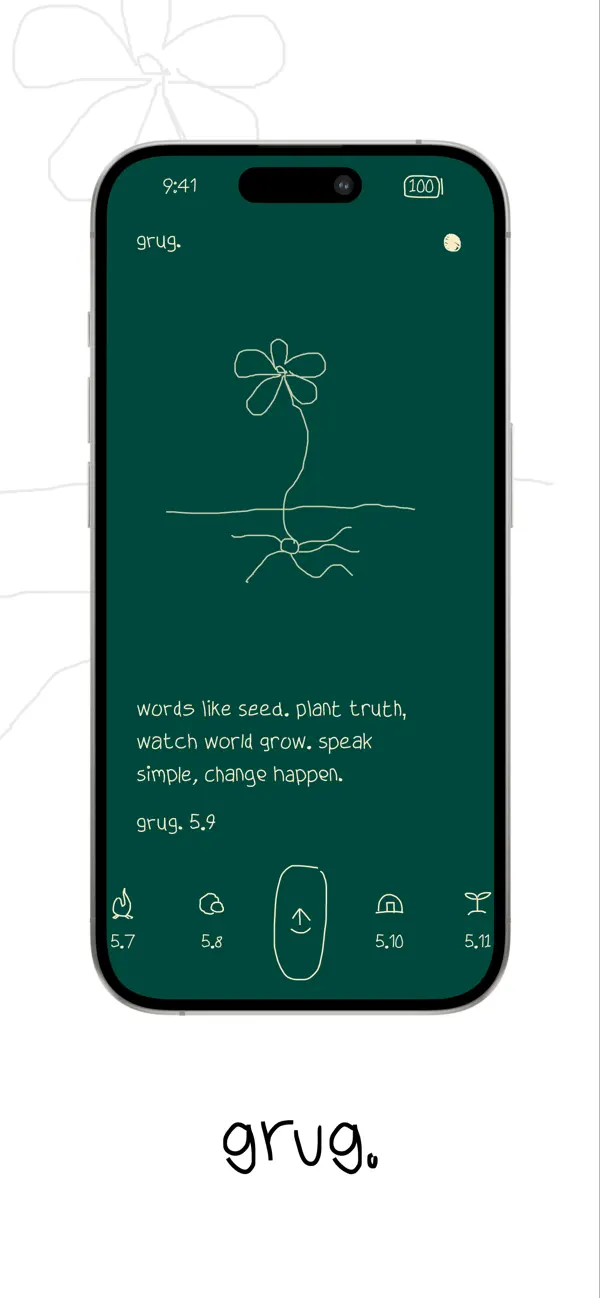
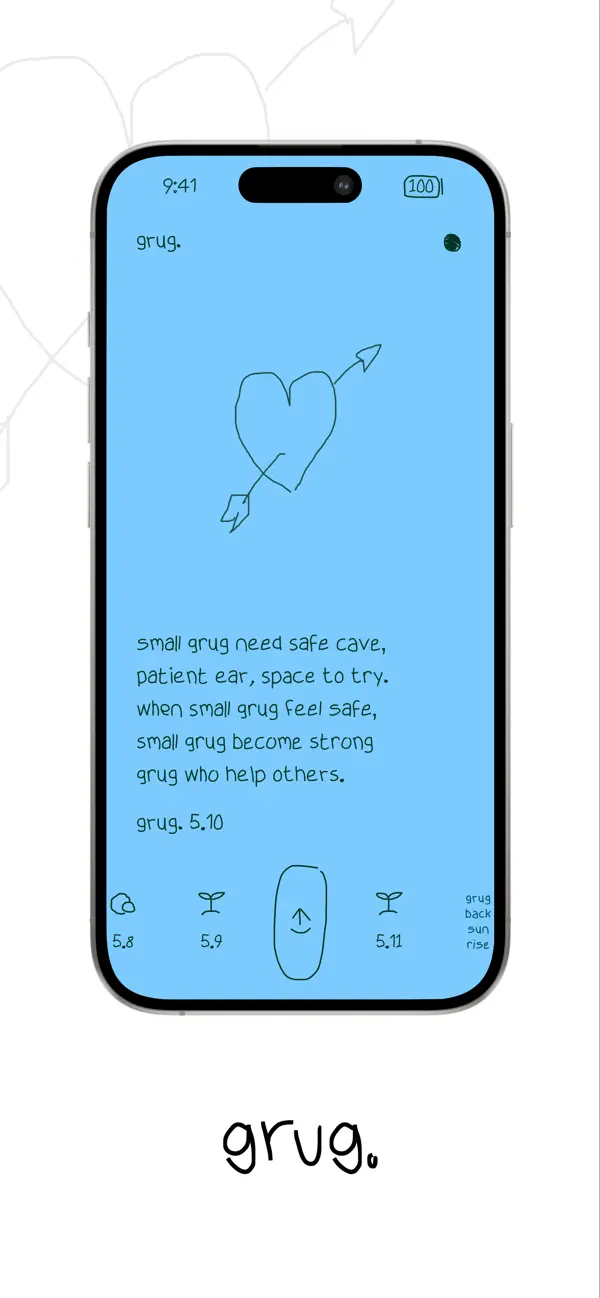
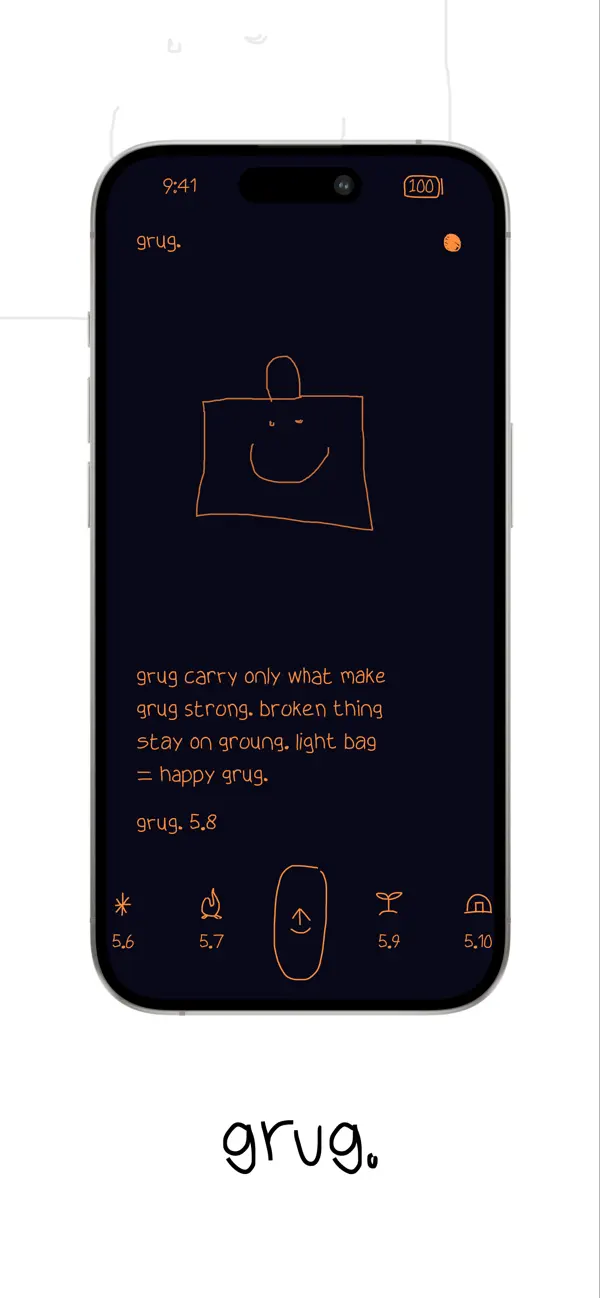
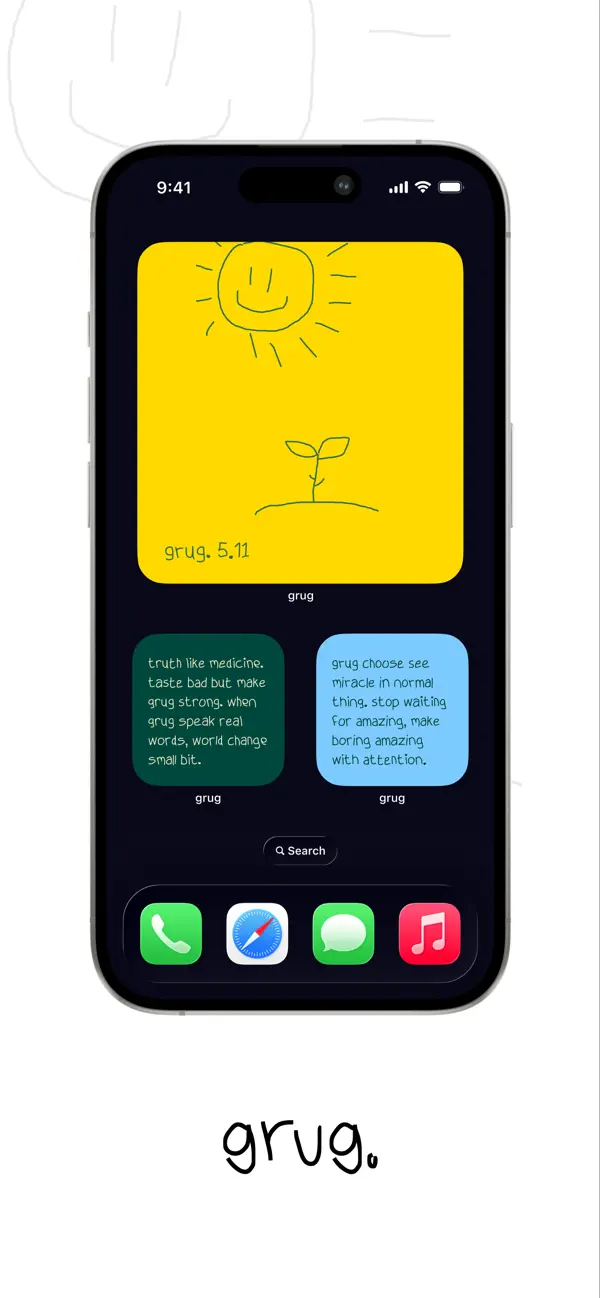
Our third clip follows a smaller change: switching a finished page from light to dark. The compact appearance menu opens beside the composition, and the sketch, words, and layout survive the change. The developer’s App Store screenshots below show additional color themes using the same structure. Appearance can change the mood while the relationships on the page stay familiar.
Why it belongs here
Apple recognized grug in the Delight and Fun category of the 2026 Apple Design Awards. Our selection focuses on a specific design achievement: the main activity, typography, and controls all make room for the same kind of imperfect, personal expression.
For someone who likes a brief daily prompt and would enjoy answering it with a sketch, grug offers a focused ritual. For designers, it is a useful study in giving a small utility a distinct character through consistent decisions.
Availability
The US App Store listing lists grug as free and designed for iPhone, requiring iOS 18 or later. It also lists compatibility with Apple Silicon Macs and Apple Vision; the Mac version is marked as not verified for macOS. Widgets and sharing are described in the listing. Check it for current requirements and availability.
The three recordings were captured on an iPhone 15 Pro. The gallery below contains Ocho’s official promotional screenshots.
Independently selected. No paid placement.
Explore grug